



Beezyspin Mobile Access
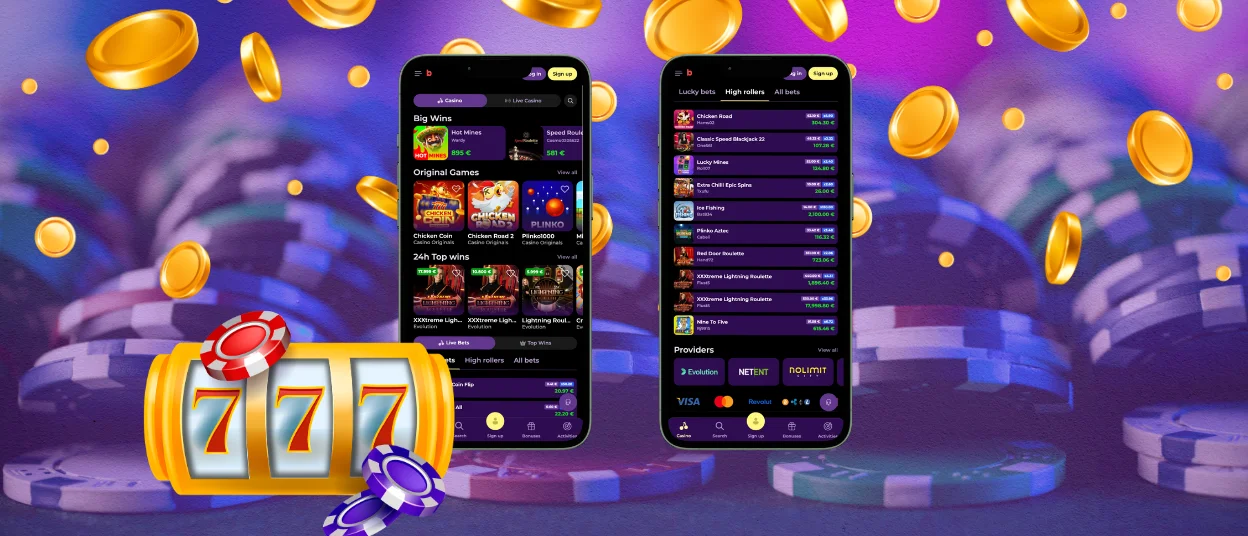
We’ve developed the Beezyspin app to let you open your casino account right from your smartphone. You just tap the screen to load up a game or request a payout when you are away from your main computer. Our mobile version runs on all standard operating systems like iOS and Android to give you full access to payments and the entire gaming library with 6,000+ titles.



Using Beezyspin on Mobile
Switching from a large monitor to a phone requires some changes to the site’s setup. We hide the main menus in a sidebar. Your activities and bonuses move to the bottom of the screen. This works the same way on our mobile site and in the Beezyspin app.
A mobile casino is highly practical when you want to play a few rounds of online slots during a break. We host plenty of games from studios like PG Soft and Hacksaw Gaming. They make their titles natively for vertical screens. Reels fit perfectly without you having to turn your phone sideways to read the paytable. You can hold the device with one hand to adjust your bets.
Here are some other cases when the Beezyspin app changes how you use an account:
| Case | Details |
| Bonus reminder | A promotion or tournament alert can appear on the lock screen. You can log in to complete the rollover or check your event progress. |
| Payment check | Saved mobile methods reduce repeat typing. The final confirmation still appears before funds move. |
| Support question | You can contact our staff 24/7 even if you are not at home. Tap the live chat widget when a question comes to mind. |
| Private phone use | A device passcode adds a local barrier before the casino page opens. |
Beezy Spin Casino still has a place on a bigger screen. Live roulette or blackjack with side bets has more panels, and some game shows are easier to follow on a monitor. The point of Beezyspin app access is not to replace desktop play. It makes it easier for shorter sessions to follow.
Using your phone also speeds up your verification process. You open your camera to take a photo of your ID and upload it directly to the platform.
Secure Mobile Play
We route your mobile deposits through protected payment gateways and use TLS 1.3 protocols to keep your financial and personal details private. Our platform was developed on secure software. We check and update it regularly to fix possible bugs.
You can also protect your Beezyspin Casino account on your end. Almost all smartphones let you set up a fingerprint scan or Face ID to open specific applications, including our casino. Another option is to hide the program or place it in a folder locked with a password so no one can accidentally open the Beezy Spin app.
Android App
You do not have to download Beezyspin APK files or search through external stores to install our software. We use a progressive web application (PWA) format for our app. The platform itself takes up hardly any space because it’s simply a shortcut to our main site. It also uses a smart caching system so you can load our pages faster after the first launch.
Setting up the app on your Google Pixel or Samsung device takes about a minute. Here is how you do it:
- Open your regular mobile browser and load the main Beezyspin Casino website.
- Look for the settings menu. It is three dots near the address bar.
- Tap the option that says “Add to Home Screen”.
- Confirm the installation. Your phone will place a direct shortcut next to your other icons.
When you launch the Beezyspin app from that new icon, it opens without the normal browser search bar. You get a clean window dedicated entirely to games. We push updates automatically in the background when we refresh the main site. You never have to visit a store to download patches.
Beezyspin App for iOS
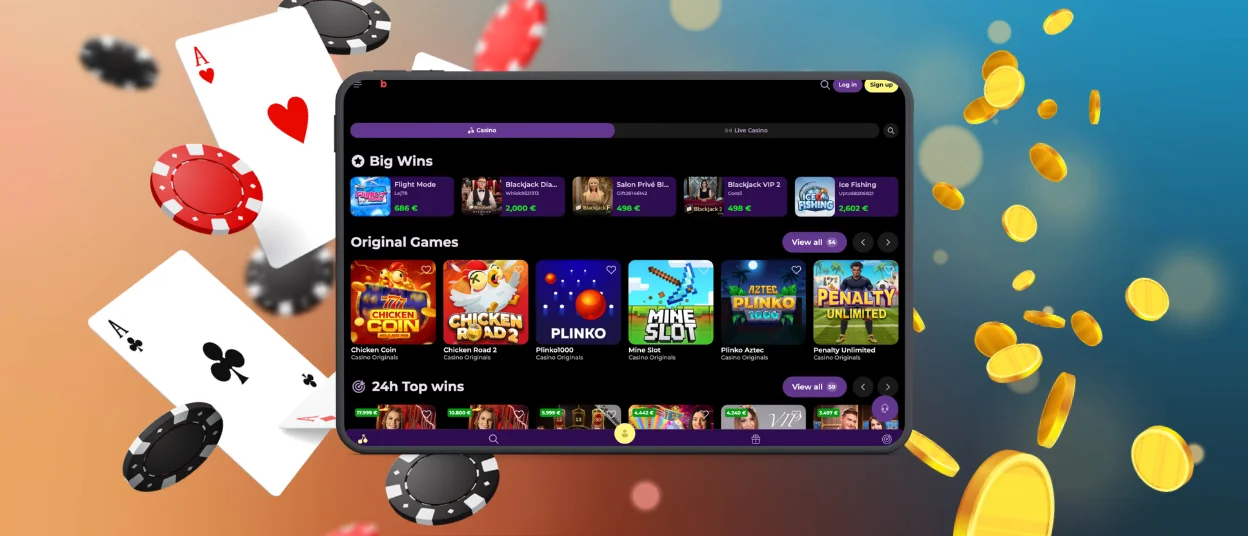
If you use an iPhone, you follow a very similar routine to open our platform on your gadget. You just load up Beezy Spin Casino in Safari. Click the share icon and choose the prompt to add the site to your home screen. This creates a standalone icon to launch the platform. If you don’t need this shortcut, simply continue to use our website in your browser.
Playing on iOS hardware makes it easy to handle your bankroll using Apple Pay. You confirm your deposit with a quick double-click on the side button. Your entire gaming experience syncs with your main account the second you connect. If you start a bonus round on your computer, you can pick up your phone and finish the spins there.
Desktop App for Windows and macOS
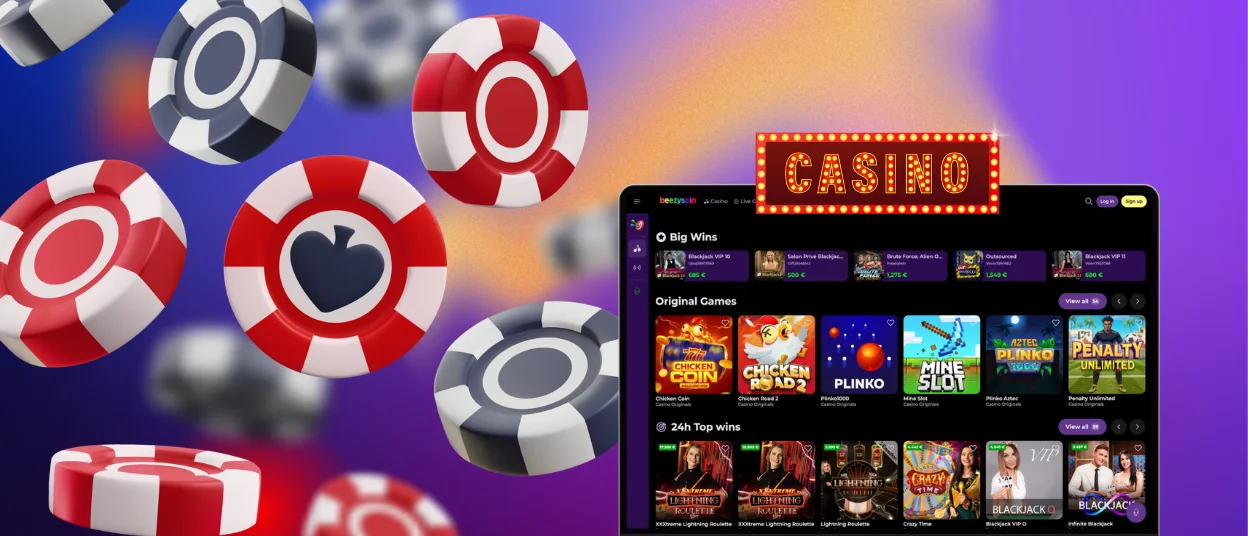
While phones are great for a quick session, we know that many players prefer a classic computer setup. If you are not a fan of browser gaming, you can install the Beezyspin Casino app on your desktop. Playing on a PC has some distinct pros for certain types of games.
- If the live dealer operates at a fast pace, using a computer mouse helps you lock in your choices before the betting window closes.
- The extra screen size at Beezyspin Casino stops windows from overlapping if you want to keep the chat open to talk with the host.
- Running a separate desktop application keeps your gameplay away from your regular browser tabs. You will not accidentally close your game when you are clearing out old web pages.
A desktop setup also removes basic hardware limits. Since your computer is plugged straight into the wall, you never have to keep an eye on a battery meter.
FAQ
Can I reach the support team from my phone?
You get the exact same level of help on a phone as you do on a computer. The mobile layout includes a button to open the live chat window at any time. We have staff available around the clock to check on a delayed withdrawal or answer a question about a game rule at Beezy Spin Casino. You just type your message and we will reply straight away.
Will live games work properly on a cellular connection?
Live dealer tables stream a constant video feed from studios like Evolution. This uses up more of your mobile data allowance. We recommend connecting to a Wi-Fi network when you sit down at a live table. This is the best way to maintain a clear picture and avoid video lag when you play at Beezyspin Casino.
Does the Beezy Spin app notify me about new events?
Yes, you can allow the app to send alerts directly to your phone. Beezyspin will push short messages about weekend reload bonuses or new tournaments to your lock screen. This means you do not have to constantly refresh your email inbox to see if a new promotion has started. You can turn these notifications off in your device settings if you want to keep a quiet phone.


